Three steps, like building a model kit
No layout work, no hand-drawn exploded views.
Upload a STEP file
The file stays in your browser; parts are parsed on your own computer.
AI writes the steps — you can edit them
AI proposes an assembly order; you adjust the order, text and direction.
Export PDF / video, share for credit
Download the manual and the assembly animation; share to the gallery to earn credit.
Manual gallery
PDFs, videos and previews shared by users. STEP files are never published.
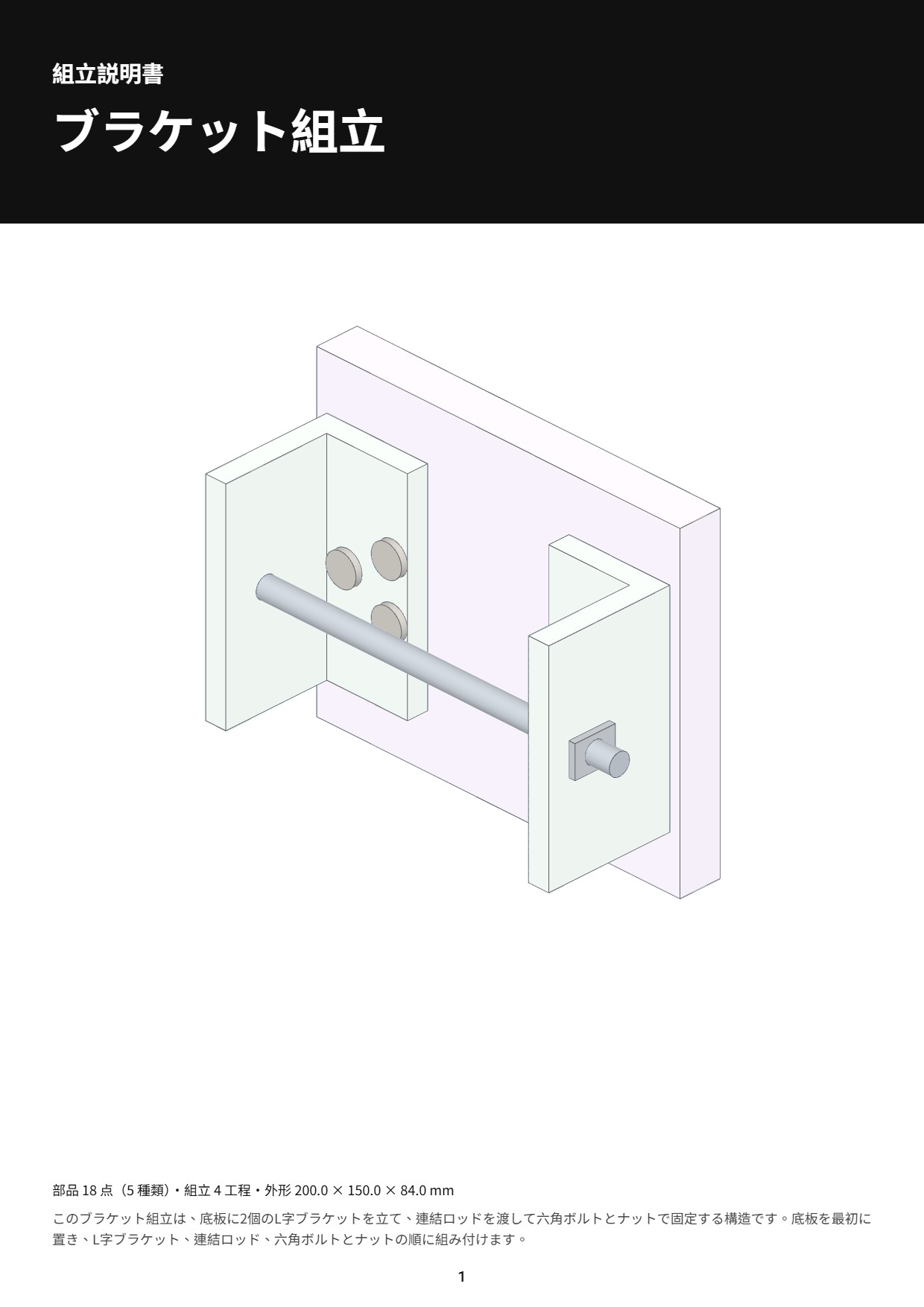 ブラケット組立
Try it free, top up only if you need more
Prepaid credit: pay as you go. No subscription, no lock-in.
/ FREE
- 1 free AI plan per day
- Preview the assembly animation
- PDF / video carry a watermark
/ PREPAID
- No fees: what you pay is what you get in credit
- After the free plan, each AI plan is US$0.50 from your credit; failed runs are refunded
- Remove the watermark for US$1 per manual, one time: every PDF and video of that manual is clean afterwards
/ SHARE
- Share the PDF, video and previews to the gallery
- Once approved and published, you get US$0.20 credit
- Your STEP file is never published
Not happy? Email us and we will make it right. Unused prepaid credit can be refunded within 14 days of purchase.
FAQ
Q1Is my STEP file uploaded?
No. Your STEP file is read and parsed in your browser and never reaches our servers. For AI planning we only send a text summary (part names, counts, sizes and positions), never geometry.
Q2Which CAD systems are supported?
Any CAD that exports STEP (.stp / .step): SolidWorks, Fusion, Onshape, FreeCAD, Inventor and more. Export as an assembly with clear part names for the best AI plan.
Q3What gets published when I share?
Only the PDF, video and preview images you choose to share, and only after review. Your STEP file and part data are never published.
Q4Can I take a shared manual down?
Yes, any time from My manuals; it disappears from the gallery immediately. Copies that others already downloaded cannot be recalled.
Q5Do I need to sign in?
Yes. Sign in with Google or an email link to open the workbench; your manuals and credit are tied to your account.